How Written Content and Interactive Elements Should Be Used
Text and interactive elements, such as links, buttons and documents, are the primary way users interact with a webpage. When used correctly, they improve readability, accessibility and usability for all visitors.
These standards apply to all Citadel webpages and are required to meet accessibility, SEO and content clarity expectations.
Text Content
Always Use Real Text
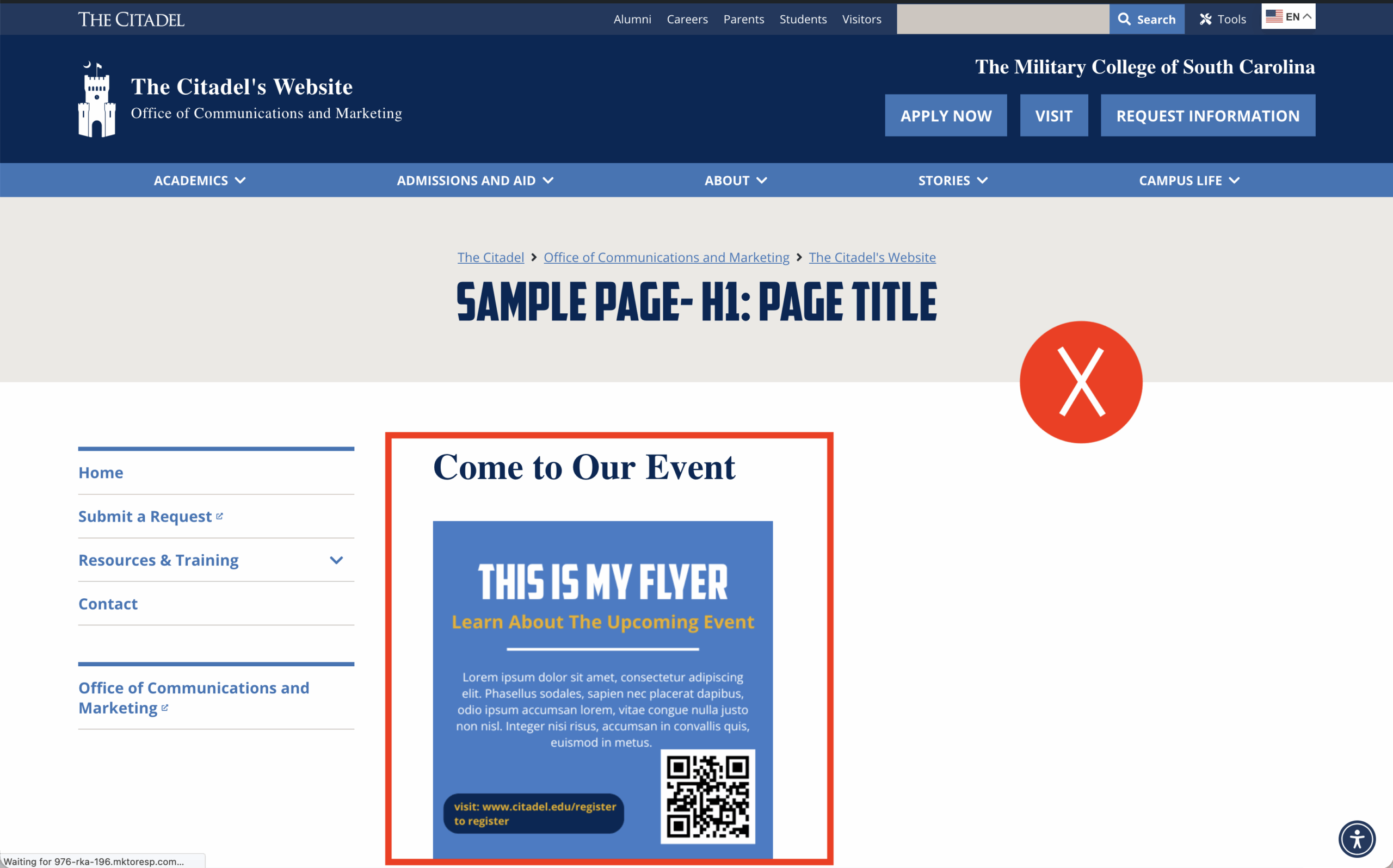
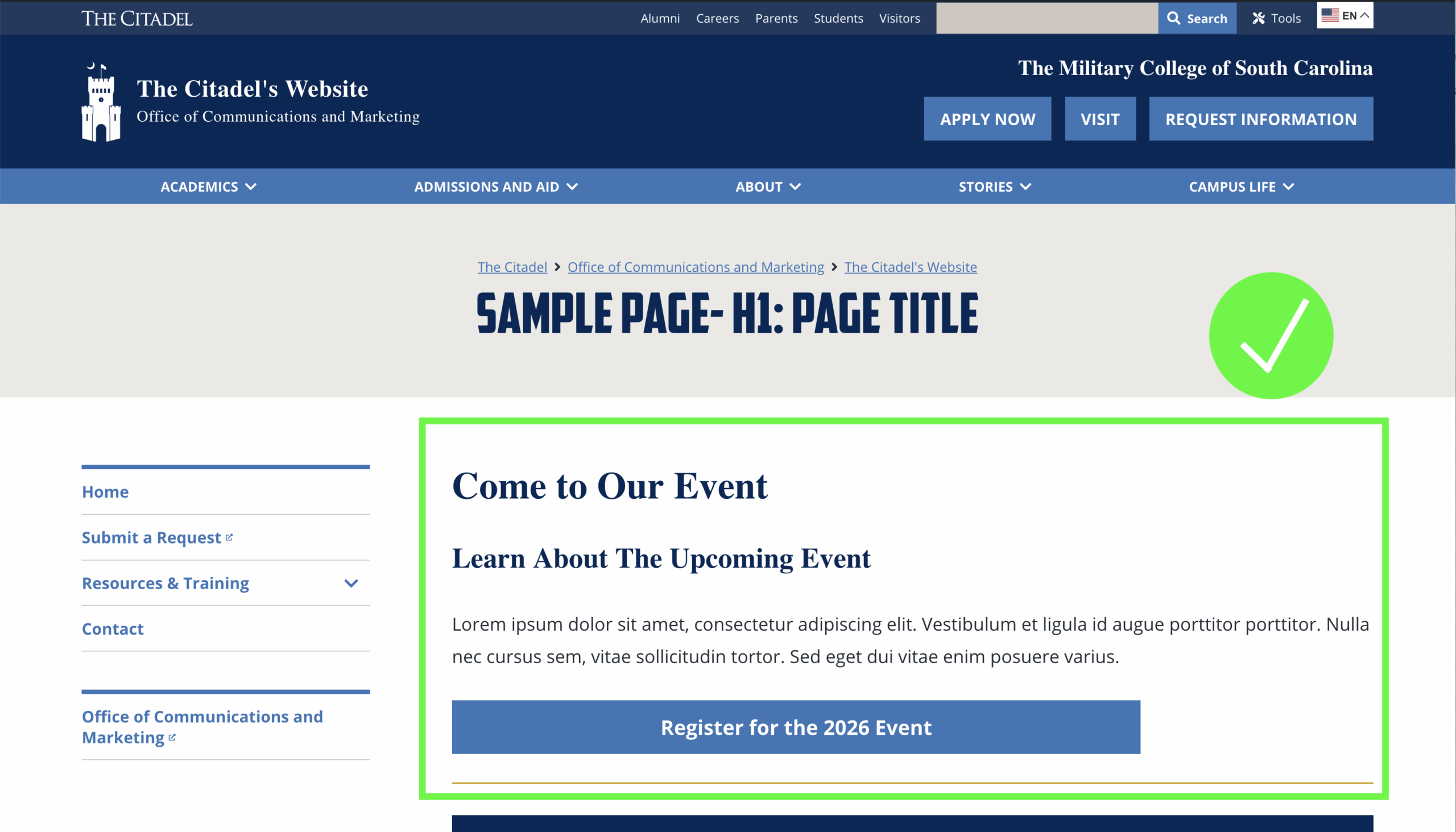
All important information must be written as real, editable text, not embedded inside images or graphics.
Use real text to:
- Ensure content can be resized and read by screen readers
- Allow search engines and AI tools to index and understand content
- Improve accessibility and usability for all users
Do not:
- Use images of text (such as flyers or posters) as the primary source of information
If an image with text must be used:
- The same text must also appear in the page body
- The text must be included in the image’s alternative description
Search engines and AI tools cannot reliably read text embedded in images.
QR Codes Not Allowed
QR codes should not be used on webpages.
- Many users access Citadel websites on mobile devices
- Users cannot scan a QR code on the same device they are browsing with
- QR codes may be used for print materials only, not web content.
Text Formatting Standards
Use formatting intentionally to support readability and accessibility.
Do:
- Use headings, spacing and lists for emphasis instead of visual styling
- Write in clear, sentence-style capitalization
Avoid:
- Highlighting text for emphasis
- Underlining text unless it is a hyperlink
- Writing in ALL CAPS
See Headings & Page Structure for heading-specific rules.
Links and Buttons
Write Descriptive Link Text
Links must make sense when read on their own.
Do:
- Write link text that clearly describes the destination or action (e.g., “Register for the Leadership Seminar” versus “Click here”)
- Keep link text short, clear and meaningful
Avoid:
- “Click here” or “Learn more”
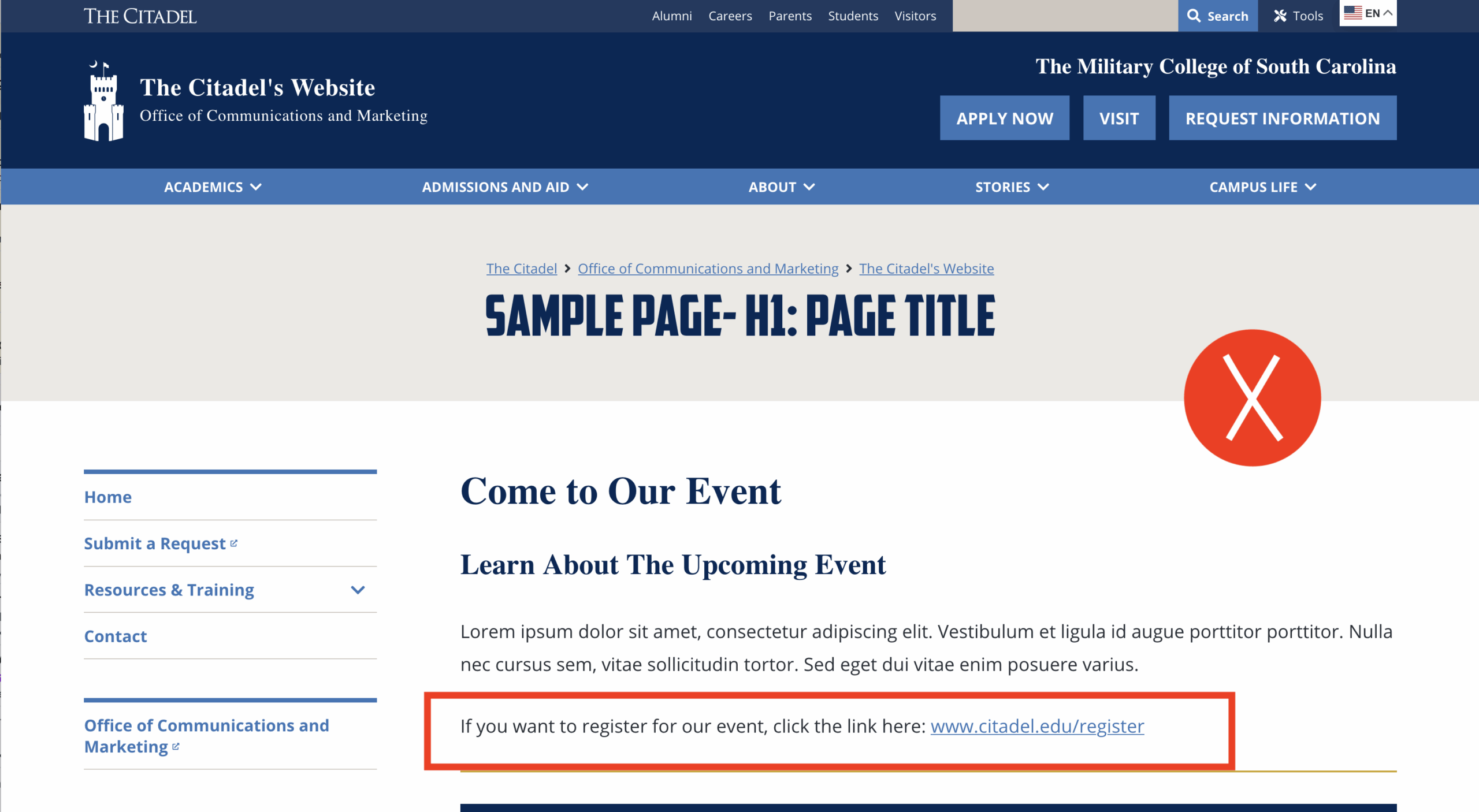
- Pasting full URLs into page content (Screen readers read URLs character by character, which creates a poor user experience.)
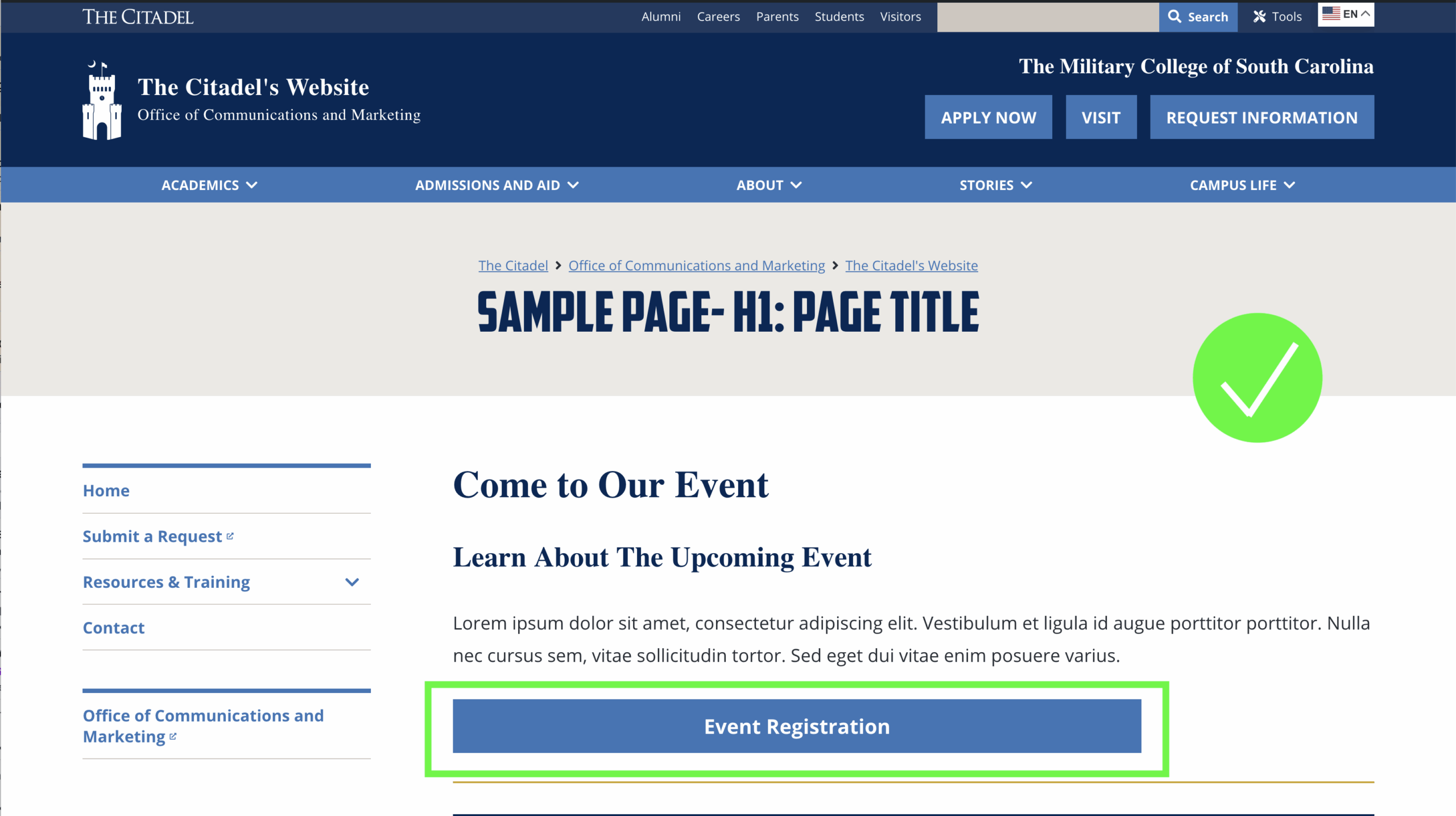
Use Buttons for Primary Actions
Buttons should be used for important actions, such as:
- Apply Now
- Register for an Event
- Request Information
- Submit a Form
Links should be used primarily for navigation or supplemental information.
Link Examples
| Good Example | Not Good Example |
|---|---|
| Office of Communications and Marketing | https://www.citadel.edu/communications-marketing/ |
| Register for the Event | Click this link to register for the event. |
| Contact the Office of Communications and Marketing | Click here: https://www.citadel.edu/ocm |
Maintain Links Carefully
- Check links regularly to ensure they work properly
- Remove or update broken links promptly
- Avoid linking to outdated or unofficial resources
Broken links harm usability, accessibility and SEO.
PDFs and Downloadable Documents
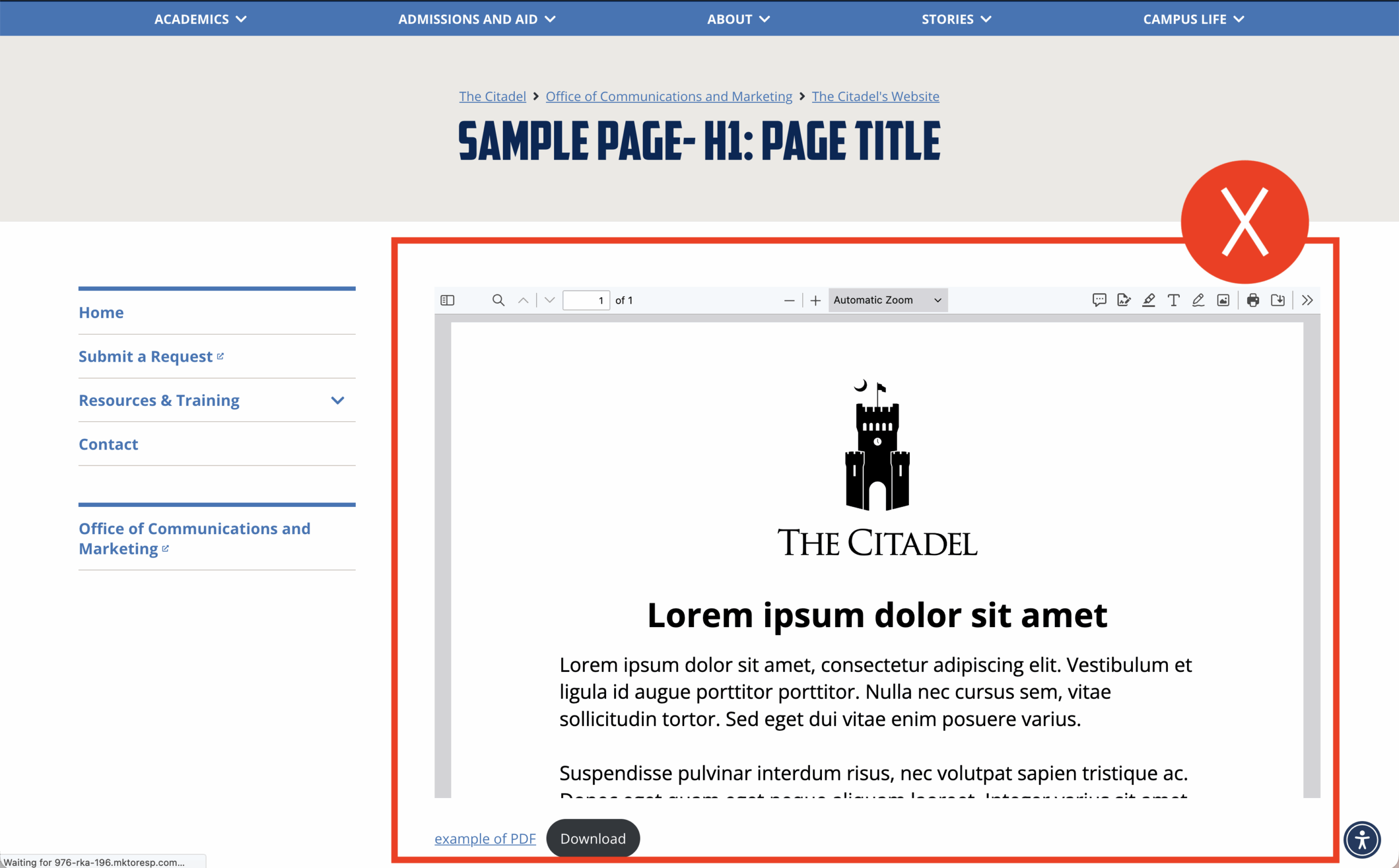
PDFs are Not Primary Content
PDFs are not allowed to be used as the main piece of content. PDFs should support web content—not replace it.
PDFs are not mobile-friendly, accessible or easy to read by search engines.
Do:
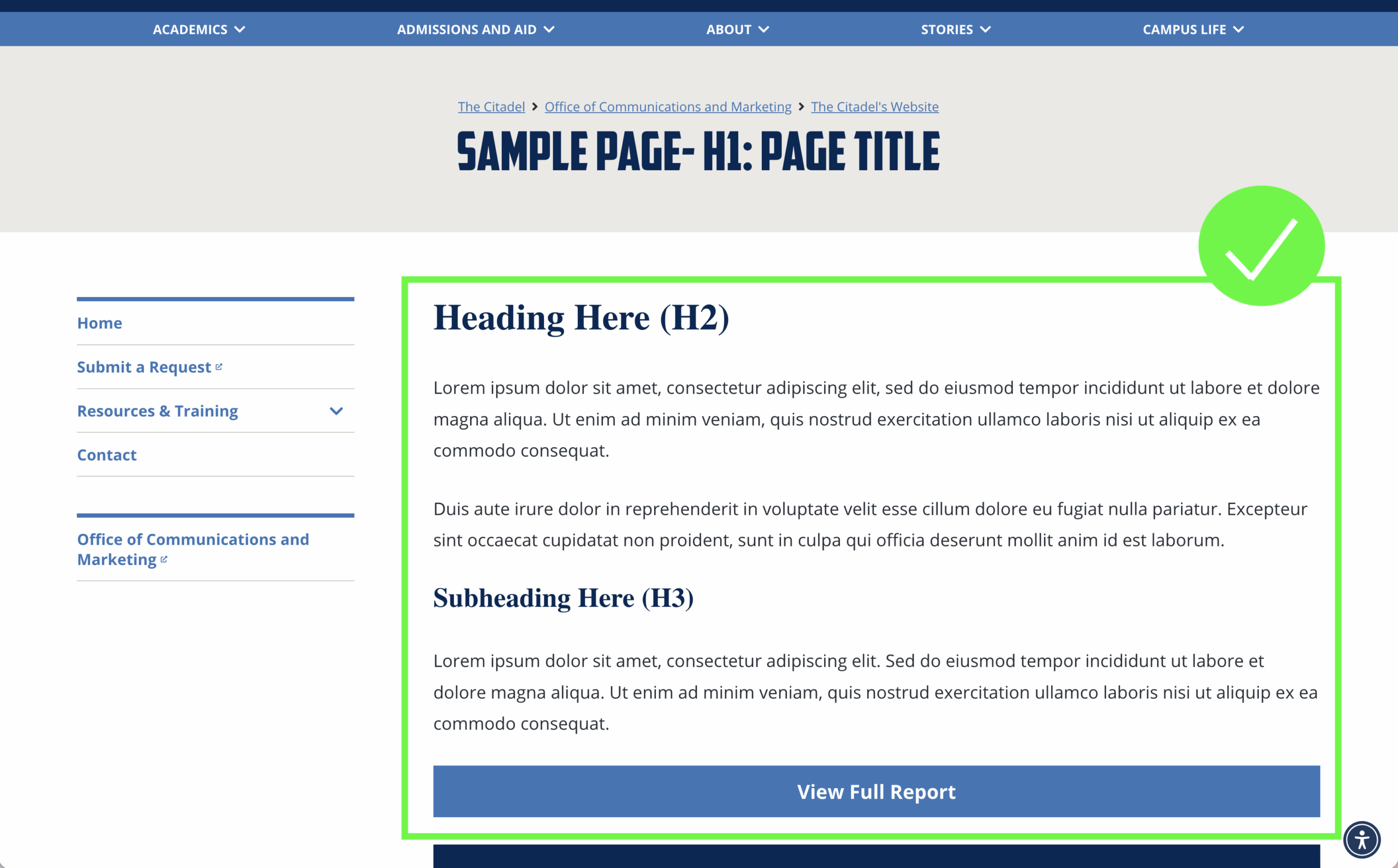
- Place all essential information directly on the webpage
- Use PDFs only as supplemental downloads
- Ensure any information in a PDF also appears in page content